


Navigating AIA continuing education webinars can cost you hard-earned credits if you miss key steps. Research shows that up to 15% of participants lose credits due to registration or engagement errors. This guide walks you through every step needed to participate correctly, complete requirements, and secure your certificates without hassle.
Table of Contents
- Prerequisites And Preparation
- Step-By-Step Participation Process
- Post-Webinar Documentation And Credit Reporting
- Common Mistakes And Troubleshooting
- Expected Results And Outcomes
- Alternative Approaches And Tradeoffs: Live Vs On-Demand Courses
- Simplify Your Continuing Education With Ron Blank & Associates
- FAQ
Key Takeaways
| Point | Details |
| Preparation prevents errors | Verify technical setup, AIA member number, and internet speed before registration to avoid disqualification. |
| Active engagement is mandatory | Complete all polls, quizzes, and maintain minimum attendance to qualify for credits. |
| Certificates arrive within 48 hours | Download and store your completion certificate immediately for license renewal documentation. |
| Choose the right format | Live webinars offer interaction while on-demand provides flexibility; both require passing assessments. |
| Annual requirements add up fast | Architects need approximately 12 LUs yearly, achievable through 6 to 12 focused webinars. |
Prerequisites and Preparation
Before you register for any AIA continuing education webinar, understanding what you need saves time and prevents credit loss. The AIA system operates on Learning Units (LUs), with some courses offering Health, Safety, and Welfare (HSW) credits that count toward specific professional requirements.
Have your AIA member number ready when you register. You’ll also need accurate personal details including your full name exactly as it appears on your license, and email address. Double checking this information before submission prevents the most common reason for certificate rejection.
Your technical setup matters more than most people realize. You need a stable internet connection download speed to stream video without interruptions. Test your connection speed beforehand using any free online tool. Your device should support both audio and video, with working speakers or headphones and ideally a microphone if the webinar includes interactive Q&A sessions.
Pro Tip: Update your webinar software like Zoom, Microsoft Teams, or the provider’s platform at least 24 hours before the session starts. Last minute updates during login cause you to miss critical attendance windows.
Create a distraction-free environment. Many providers track your active window, meaning if you switch to email or other applications during the webinar, you might fail the attendance requirement. Close unnecessary browser tabs and silence your phone to maintain focus throughout the session.
- Verify your AIA member number and have it written down
- Test internet speed
- Update all required software and browsers the day before
- Prepare a quiet space with minimal distractions
- Have backup audio options ready in case of technical issues
Step-by-Step Participation Process
The participation process starts with finding the right webinar for your needs. Browse approved provider websites or the AIA continuing education directory to identify sessions that match your credit requirements and schedule. Pay attention to whether credits include HSW designation if you need those specific units.
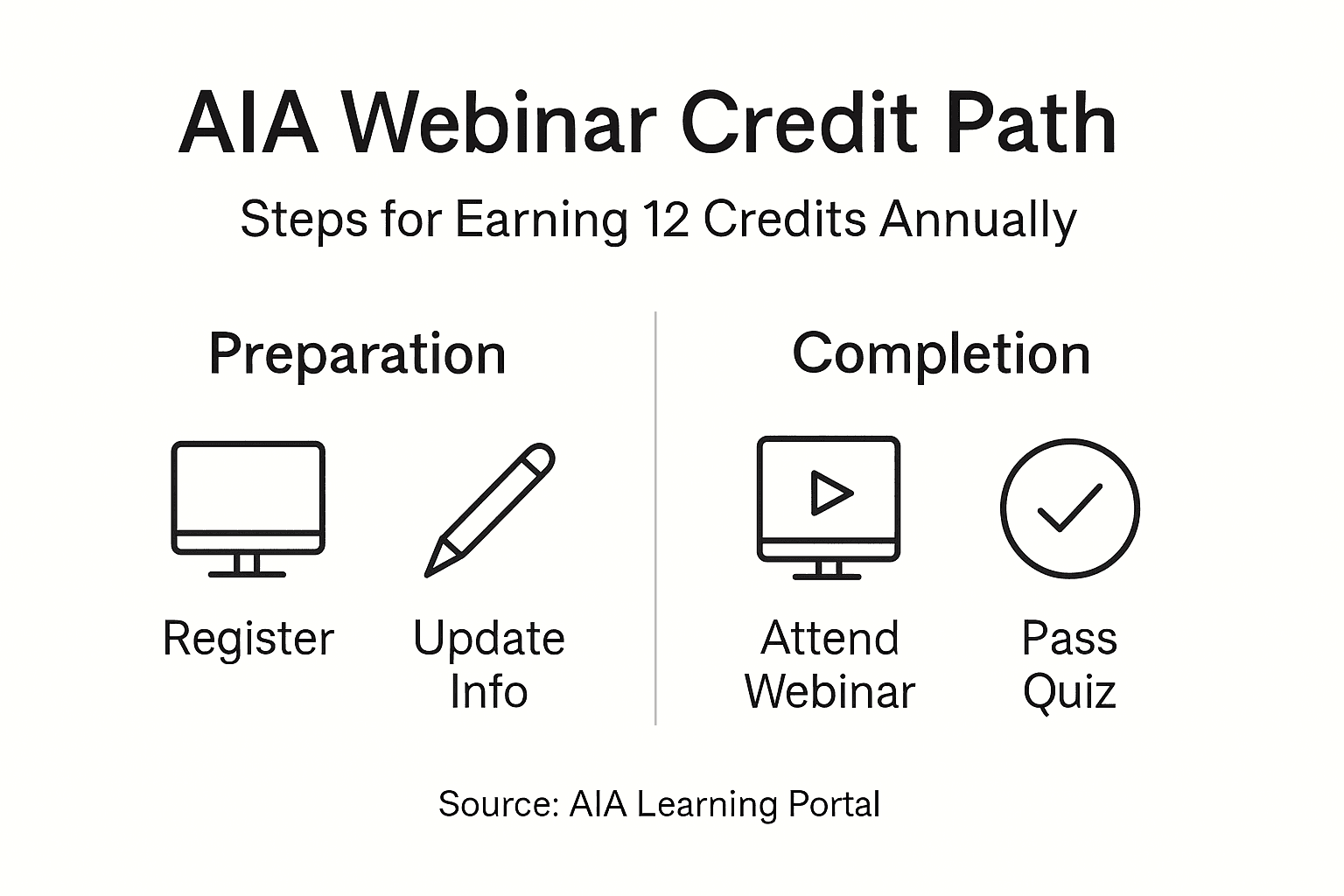
- Select Your Webinar: Choose sessions based on credit type, topic relevance, and your available time. Confirm the webinar is AIA-accredited by looking for the provider’s official registration number.
- Complete Registration Accurately: Enter all required information exactly as it appears on your professional documents. Any mismatch between your registration name and license can delay or prevent certificate issuance.
- Log In Early: Access the webinar platform 10 minutes before the scheduled start time. This buffer allows you to troubleshoot any unexpected technical issues without missing the attendance cutoff.
- Engage Actively Throughout: Active participation requirements include responding to polls, completing questionnaires, and passing quizzes. Most providers require at least 90% attendance time, meaning you can’t skip large portions of the presentation.
- Complete All Assessments: Pay close attention when quizzes or knowledge checks appear.
- Confirm Completion: Before logging off, look for a confirmation message or final screen indicating successful completion. Screenshot this confirmation as backup documentation.
“The difference between earning credits and wasting time comes down to completing every required interaction, not just passive viewing. Treat each poll and quiz as essential to your certificate.”
Pro Tip: Keep a notebook handy to jot down key points during the presentation. This helps you answer quiz questions accurately and reinforces learning for real-world application.
Some providers allow brief disconnections without penalty, but don’t count on it. If you lose connection, rejoin immediately using the same login credentials. Multiple logins from the same account might flag you for review, so maintain one stable connection throughout.
Post-Webinar Documentation and Credit Reporting
Your work isn’t finished when the webinar ends. Certificate issuance typically happens within 48 hours, but you need to verify receipt and store documentation properly. Check your email inbox and spam folder within two days of completing the webinar.
When your certificate arrives, download it immediately as a PDF. Don’t rely solely on the email copy. Save the file in a dedicated folder on your computer with a clear naming convention like “AIA_2026_WebinarTitle_Date.pdf” so you can find it quickly during license renewal audits.
Some states require self-reporting to your local licensing board. Review your certificate for specific instructions about reporting procedures. The certificate usually includes the provider’s AIA registration number, course number, credit hours earned, and completion date. You’ll need all this information for official reporting.
- Download certificates within 48 hours of receipt
- Store files in both local and cloud backup locations
- Note the provider registration number and course details
- Self-report to AIA or licensing boards if required by your state
- Maintain organized records sorted by year for easy audit access
Create a simple spreadsheet tracking all your continuing education activities. Include columns for date completed, provider name, course title, credit hours, and certificate location. This master list becomes invaluable when you need to prove compliance years later during random audits.
Common Mistakes and Troubleshooting
Small errors cause big problems in webinar participation. Studies indicate that incorrect registration data, tech issues, and failure to complete assessments cause credit losses in 15 % of participants. Most of these problems are completely preventable with basic checks.
The most frequent mistake is entering your AIA member number incorrectly during registration. A single transposed digit means your certificate gets issued to a non-existent member, and recovering from this error takes weeks of back-and-forth communication. Write your number down and triple-check it character by character before submitting.
Technical disruptions rank second in preventing credit qualification. Running webinar software on outdated browsers or operating systems causes crashes mid-session. Update everything at least 24 hours before your scheduled webinar, giving you time to troubleshoot any compatibility issues.


Pro Tip: Perform a full tech rehearsal by joining a test meeting or public webinar the day before your credit course. This reveals any firewall, audio, or video problems while you still have time to fix them.
Many participants mistakenly believe passive viewing earns credits. You must actively complete every poll, questionnaire, and quiz presented during the session.
Another common trap is forgetting to download your certificate promptly. Email servers sometimes purge old messages, and provider portals might expire after 90 days. If you wait months to retrieve your certificate, you might find the download link no longer works.
- Verify AIA member number matches official records exactly
- Run full tech compatibility checks 24 hours ahead
- Complete every single poll and quiz without exception
- Download certificates immediately upon receipt
- Keep backup copies in multiple secure storage locations
If you experience technical difficulties during a live webinar, contact the provider’s support team immediately through their chat or phone support. Don’t wait until after the session ends to report problems. Real-time troubleshooting often salvages your participation and credit eligibility.
Expected Results and Outcomes
Understanding what to expect helps you plan your continuing education strategy effectively. Most AIA webinars run between one and two hours, awarding one to two Learning Units depending on the session length and content depth. These shorter formats fit easily into busy professional schedules.
Certificates arrive by email within 48 hours after you complete all requirements. The certificate includes your name, the provider’s AIA registration number, course title, completion date, and credit hours earned. This document serves as official proof for license renewal and audit responses.
Architects typically need several LUs annually to maintain their continuing education requirements, though exact numbers vary by state. Completing six to twelve strategically chosen webinars throughout the year easily fulfills this obligation without overwhelming your schedule.

| Webinar Duration | Typical LUs Awarded | Annual Requirement | Webinars Needed |
| 1 hour | 1 LU | 12 LUs | 12 webinars |
| 1.5 hours | 1.5 LUs | 12 LUs | 8 webinars |
| 2 hours | 2 LUs | 12 LUs | 6 webinars |
The flexibility of webinar formats means you can spread your learning throughout the year rather than cramming before renewal deadlines. Taking one webinar per month maintains steady progress toward your annual requirement while keeping the material fresh and applicable to current projects.
Some webinars include additional benefits beyond basic credit hours. Look for sessions offering HSW credits, specialized topics relevant to your practice area, or presentations from industry leaders. These targeted choices maximize both your credit acquisition and professional development value.
Alternative Approaches and Tradeoffs: Live vs On-Demand Webinars
Choosing between live and on-demand webinar formats depends on your schedule flexibility, learning preferences, and how quickly you need credits. Each approach offers distinct advantages that match different professional situations.
Live webinars provide real-time interaction with presenters and other participants. You can ask questions during designated Q&A periods, participate in live polling, and benefit from spontaneous discussions that emerge during the session. The fixed schedule creates accountability, helping you prioritize continuing education in your busy calendar.
On-demand courses offer maximum flexibility, allowing you to earn credits at 2 AM or during weekend downtime if that fits your lifestyle better. You control the pace, pausing for notes or rewinding to review complex concepts. This format works well when you’re juggling project deadlines or travel schedules that conflict with live session times.
Both formats require active participation and passing assessments to qualify for credit. The engagement mechanics differ slightly; live sessions use real-time polling while on-demand versions typically embed quizzes at specific intervals. Neither format allows passive viewing to count toward credit hours.
| Feature | Live Webinars | On-Demand Courses |
| Schedule | Fixed date and time | Access anytime within validity period |
| Interaction | Real-time Q&A with presenter | Pre-recorded content, no direct interaction |
| Flexibility | Low, must attend scheduled session | High, complete on your schedule |
| Accountability | High, scheduled commitment | Requires self-discipline to complete |
| Technical Requirements | Stable connection for full duration | Can pause and resume if needed |
| Credit Eligibility | Complete all live polls and quizzes | Complete embedded assessments |
Your choice should align with how you learn best and your current work demands. If you thrive on interaction and scheduled commitments keep you accountable, live webinars fit your style. If you prefer learning at your own pace or need scheduling flexibility, on-demand course options serve you better without sacrificing credit quality.
Simplify Your Continuing Education with Ron Blank & Associates
Meeting your annual continuing education requirements doesn’t have to feel overwhelming. Ron Blank & Associates offers a comprehensive catalog of AIA-accredited continuing education courses designed specifically for busy architects and engineers who need reliable, efficient credit acquisition.


Access user-friendly webinar offerings with clear registration processes and technical support that eliminates common participation pitfalls. Every course is registered with the American Institute of Architects, ensuring your credits count toward license renewal without question. Whether you prefer live interactive sessions or flexible on-demand learning, you’ll find options that match your schedule and learning style. Earn your required continuing education credits easily with prompt certification delivery and organized documentation that simplifies your professional compliance.
FAQ
What technical setup is required before attending an AIA-accredited webinar?
You need a strong internet connection, a device with audio and video capability, and updated browser or webinar software like Zoom. Test your complete setup at least 24 hours before the scheduled session to identify and fix any compatibility issues. Having backup audio options like headphones prevents problems if your speakers fail mid-session.
How soon will I receive my certificate after completing a webinar?
Certificates typically arrive by email within 48 hours after you finish the webinar and complete all required assessments. Check both your inbox and spam folder to avoid missing the certificate email. If you don’t receive it within three business days, contact the provider’s support team immediately with your registration details.
What happens if I lose my internet connection during a live webinar?
Rejoin the session immediately using your original login credentials as soon as your connection restores. Many providers allow brief disconnections without penalty if your total attendance time still meets the minimum requirement. Contact the provider’s technical support right away to document the issue and confirm whether your participation remains valid for credit.
How many webinars do I need to complete annually to meet AIA requirements?
AIA members need 18 Learning Units per year. These can be fulfilled by participating in 18 live webinars annually. Check your specific state licensing board requirements since some jurisdictions mandate particular credit types like HSW hours or specific topic areas beyond the general AIA minimum.